

What it is
Show which channel each call came through, right on the call entry in the conversation. A small channel icon appears next to the call log, so you can see when a call came through WhatsApp.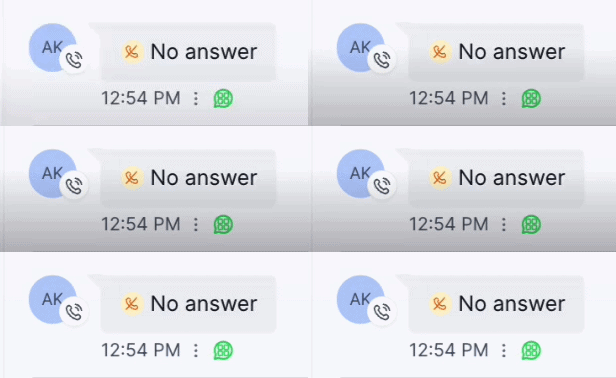
How to enable it
1
Open your GoGHL dashboard.
2
Go to the Custom Script settings.
3
Turn on the Call Channel Badge toggle.
How to use it
Nothing else to configure. Once the toggle is on, every call entry in the conversation shows a channel badge:- A small channel icon is added to the contact avatar next to the call entry
- The call status (for example No answer) and the time are shown as usual
Notes & limitations
- The badge is shown on call entries only; regular messages are unchanged
Support
If you need help with the setup or onboarding:- WhatsApp Support: Chat on WhatsApp
- Email: support@goghl.ai