

What it is
Show when contacts have read the messages you send in chat, so you always know whether your message has landed.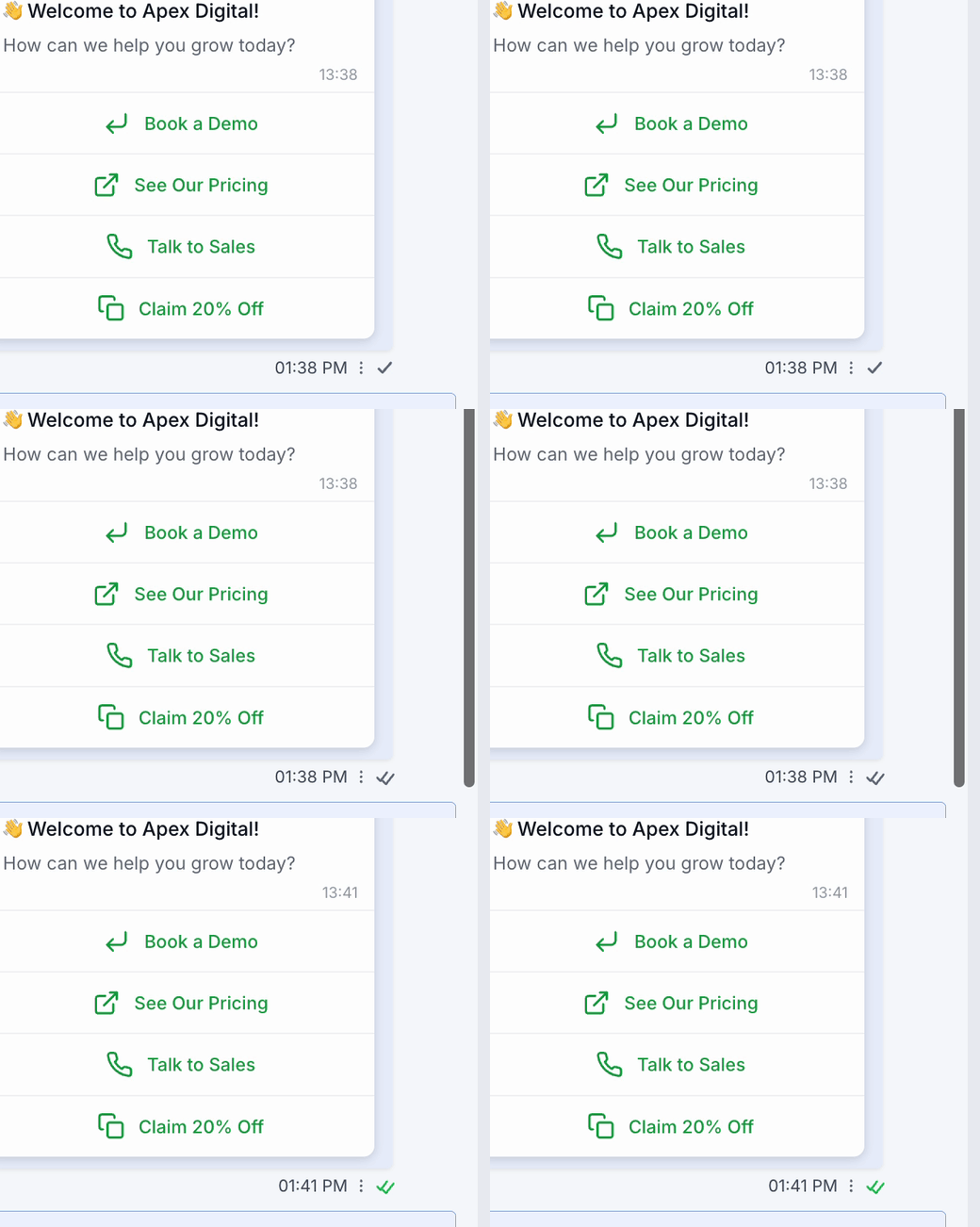
How to enable it
1
Open your GoGHL dashboard.
2
Go to the Custom Script settings.
3
Turn on the Read Receipts toggle.
How to use it
Nothing else to configure. Once the toggle is on, every outbound message shows a delivery status next to its timestamp:- One tick: the message was sent
- Two grey ticks: the message was delivered to the contact’s phone
- Two green ticks: the contact has read the message
Notes & limitations
- Read status depends on the contact having read receipts enabled in WhatsApp
- Applies to messages sent from the CRM and to messages synced from another device
Support
If you need help with the setup or onboarding:- WhatsApp Support: Chat on WhatsApp
- Email: support@goghl.ai